

Read them on the item page
The work item page lists its findings on the Findings tab. Each finding has exactly one category, and the tab groups them under these headings: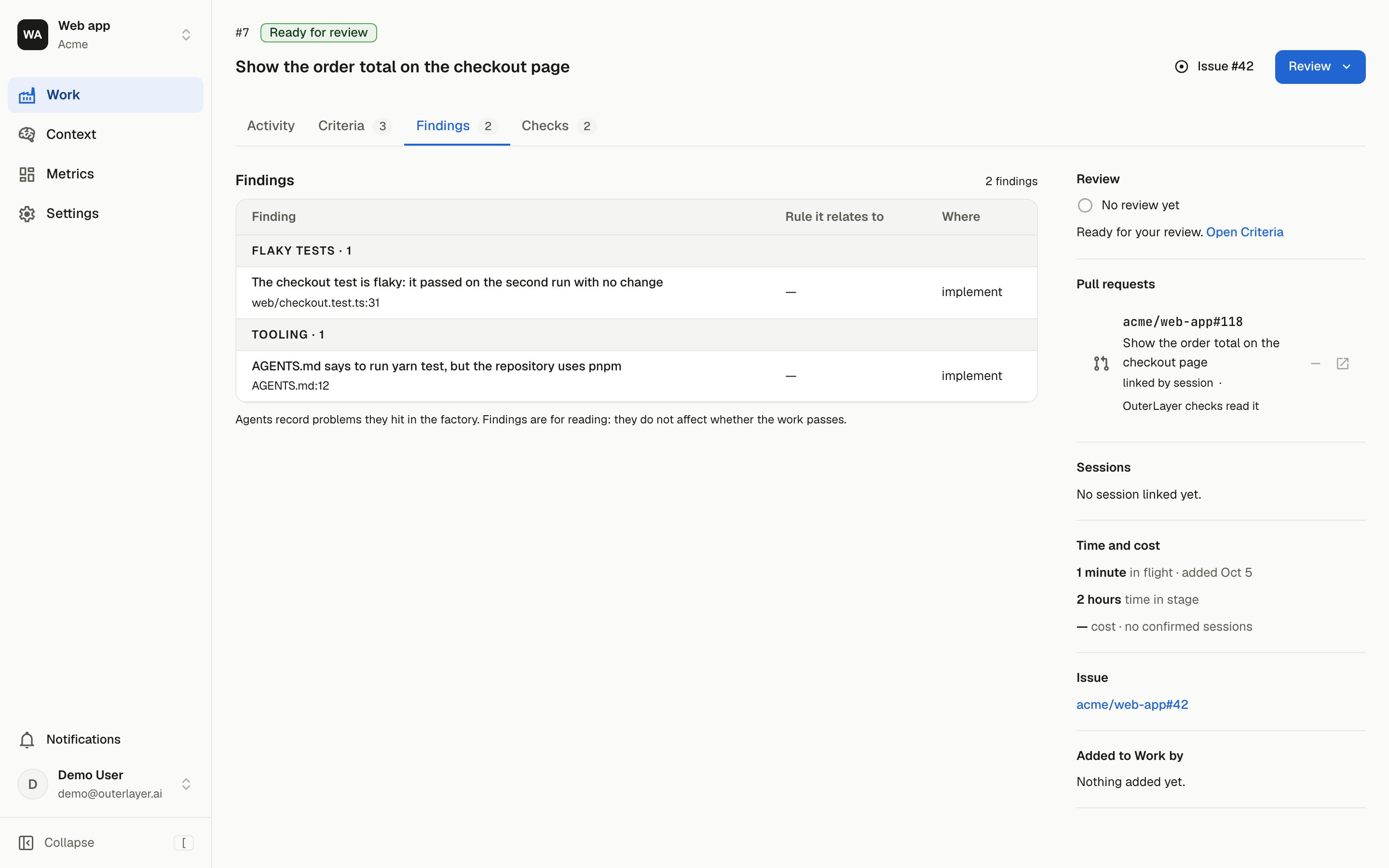
The Findings tab groups each finding under its category.
Each row has three columns:
- Finding: the one-sentence title, and the file and line it is about.
- Rule it relates to: for a
contextfinding, whether the instruction iswrong,brokenormissing, and the quoted sentence. - Where: where the agent recorded it, such as “build session”.
Record one
An agent records one finding withouterlayer emit finding, or a batch from a JSON file with outerlayer emit findings. Each finding needs an id, a category, a title, a file and where it was recorded.
The maintained reporting-findings skill tells agents when a problem is worth recording. outerlayer init installs it when you run init in a git repository.